Please follow below steps:-
1)Open your browser and enter the url www.yahoomail.com.

2)Login into yahoo mail account by using username and password.


So, in this way we can print yahoo mail.
Please follow below steps:-
1)Open your browser and enter the url www.yahoomail.com.
2)Login into yahoo mail account by using username and password.
Please follow below steps:-
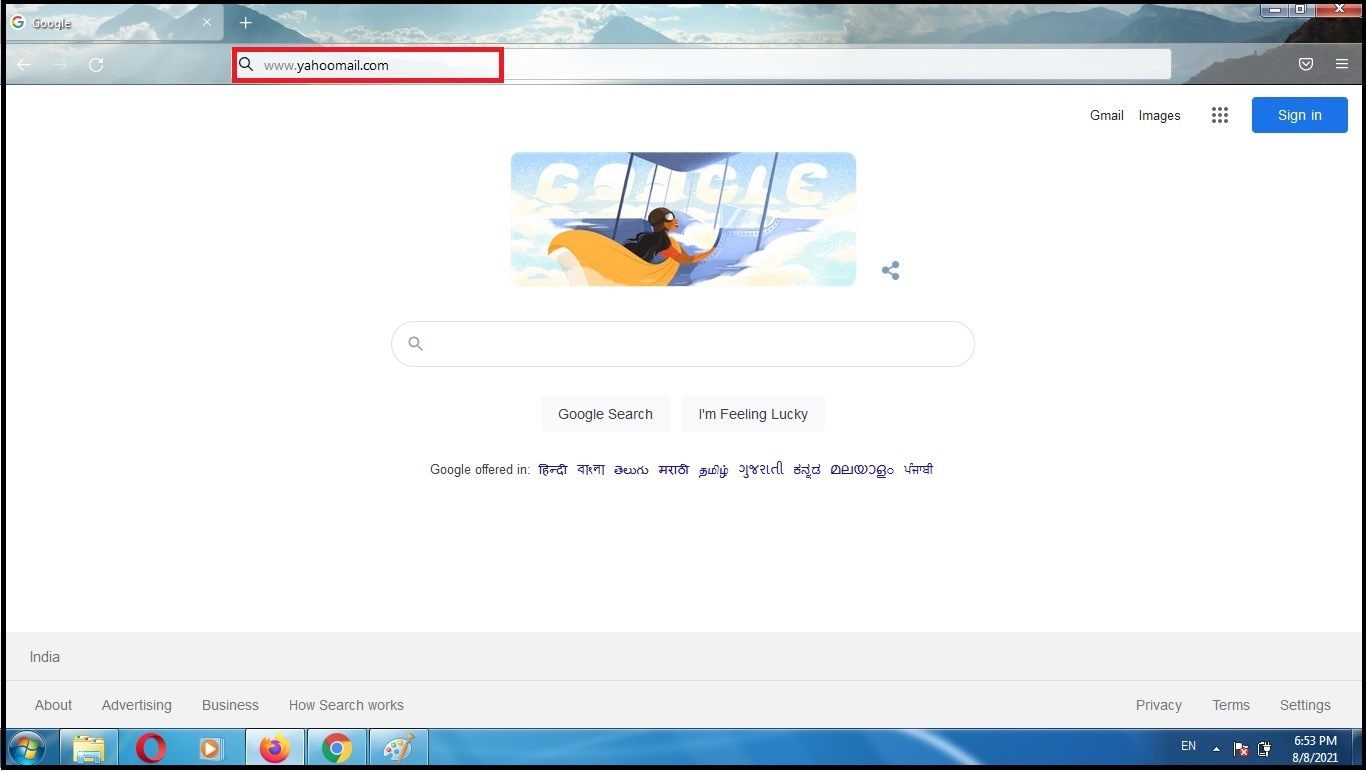
1)Open your browser and enter the url www.yahoomail.com.
2)Login into yahoo mail account by using username and password.


3)Select email that you want to block and click on more options as shown in below image. So, you will get menu. Select option Block senders from menu.

4)Verify the email that you are going to block. You can also delete existing emails from sender. Select the option as per your choice. Then click on ok button.


