Please follow below steps to change language of WhatsApp :-
1)Open WhatsApp.
My blog is all about how to do internet and programming things. Aim of my blog is to share knowledge across the world.
Please follow below steps to change language of WhatsApp :-
1)Open WhatsApp.
Please follow below steps :-
1)Open WhatsApp.
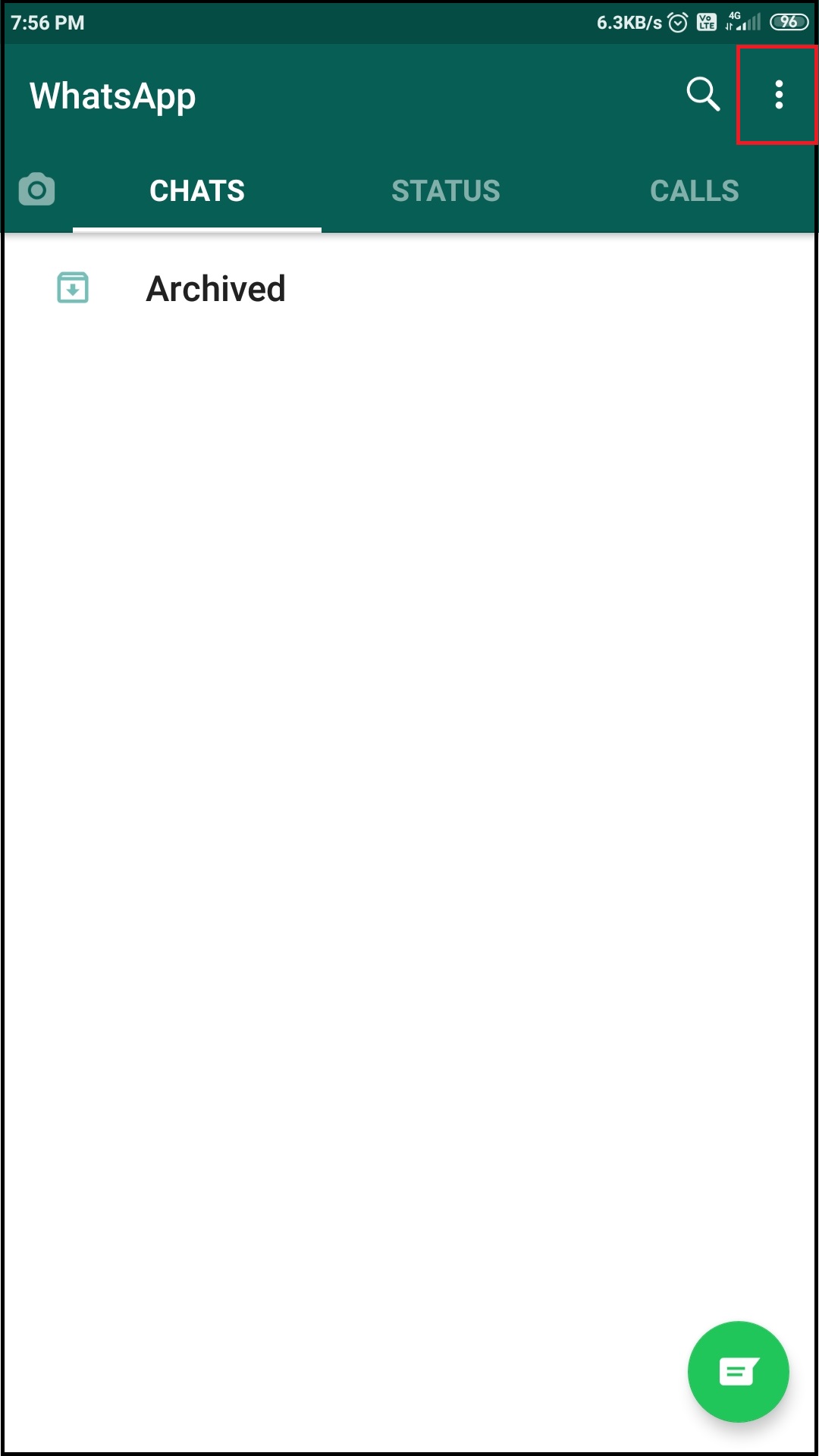
2) Once you open WhatsApp, tap on three dots present on right hand side top corner.
3) Select settings option from menu.
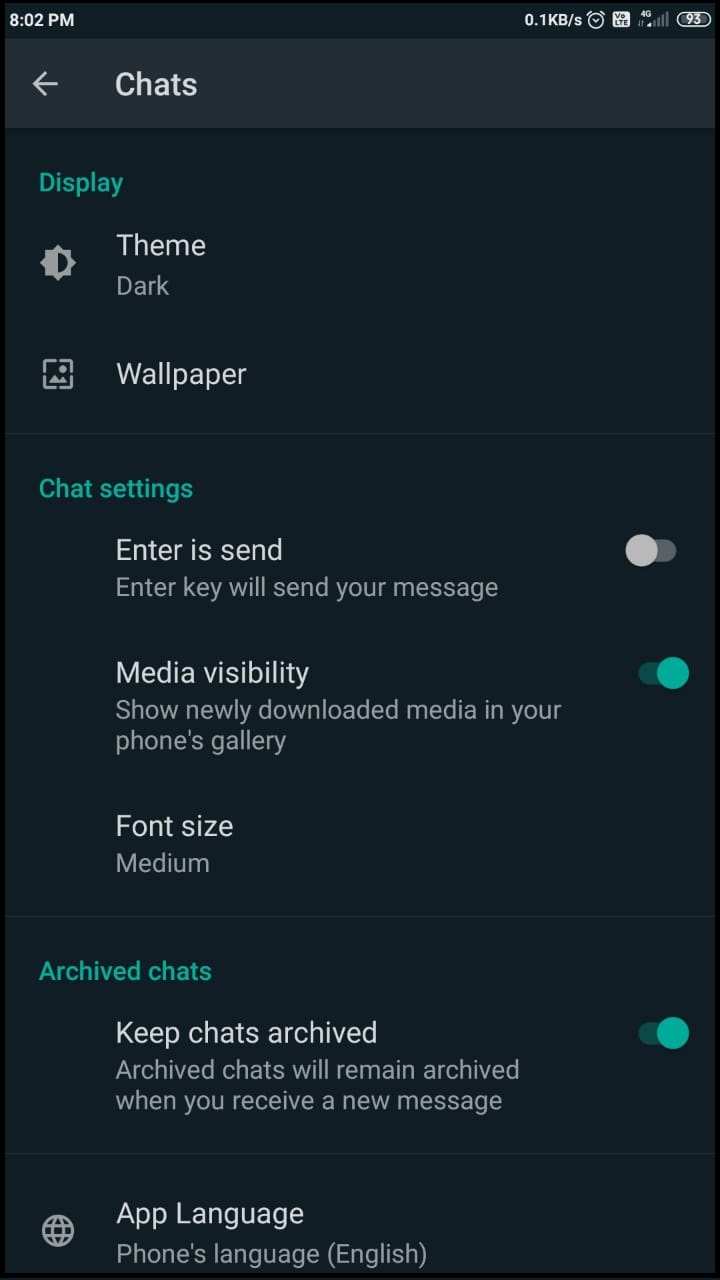
4)In settings section, tap on chats option.
5) In chats section ,tap on theme option and select dark option to enable dark mode in WhatsApp.
WhatsApp dark mode will look like :-
Please follow the steps:-
1) Open WhatsApp.
2)Once you open your WhatsApp then tap on three dots which are present on your right hand top side corner.
4)Tap on invite a friend option.
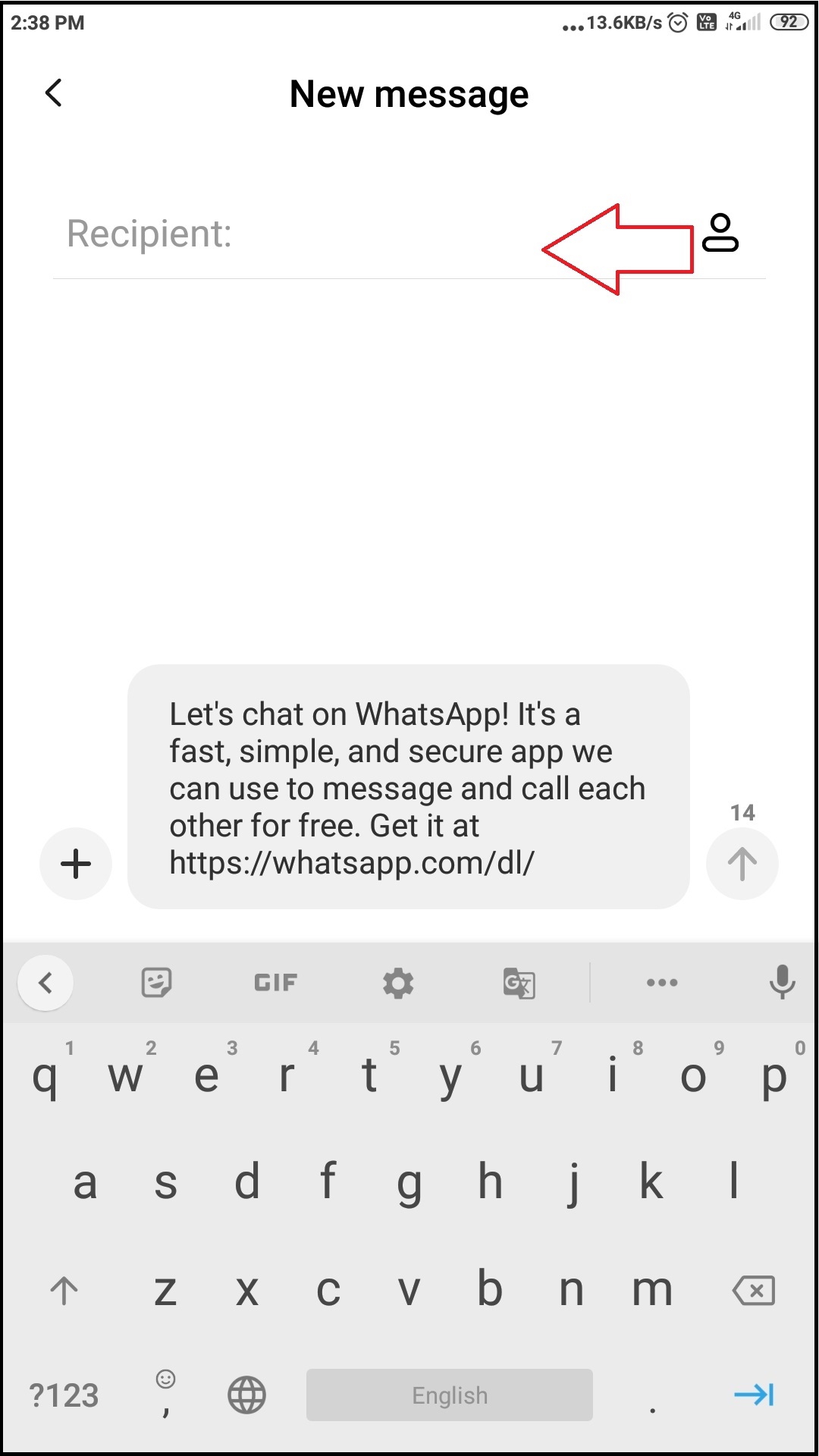
5)Then tap on share link option, so you will get pop up at the bottom of your screen.
6)You can invite a friend by using different options such as sending message, sending email, sending Instagram message etc. Tap on the option that you want to use to invite your friend.