Showing posts with label #linkedin. Show all posts

Sunday, 8 August 2021

How to change LinkedIn profile picture in mobile ?

 Please follow below steps:-

1)Open your LinkedIn app.
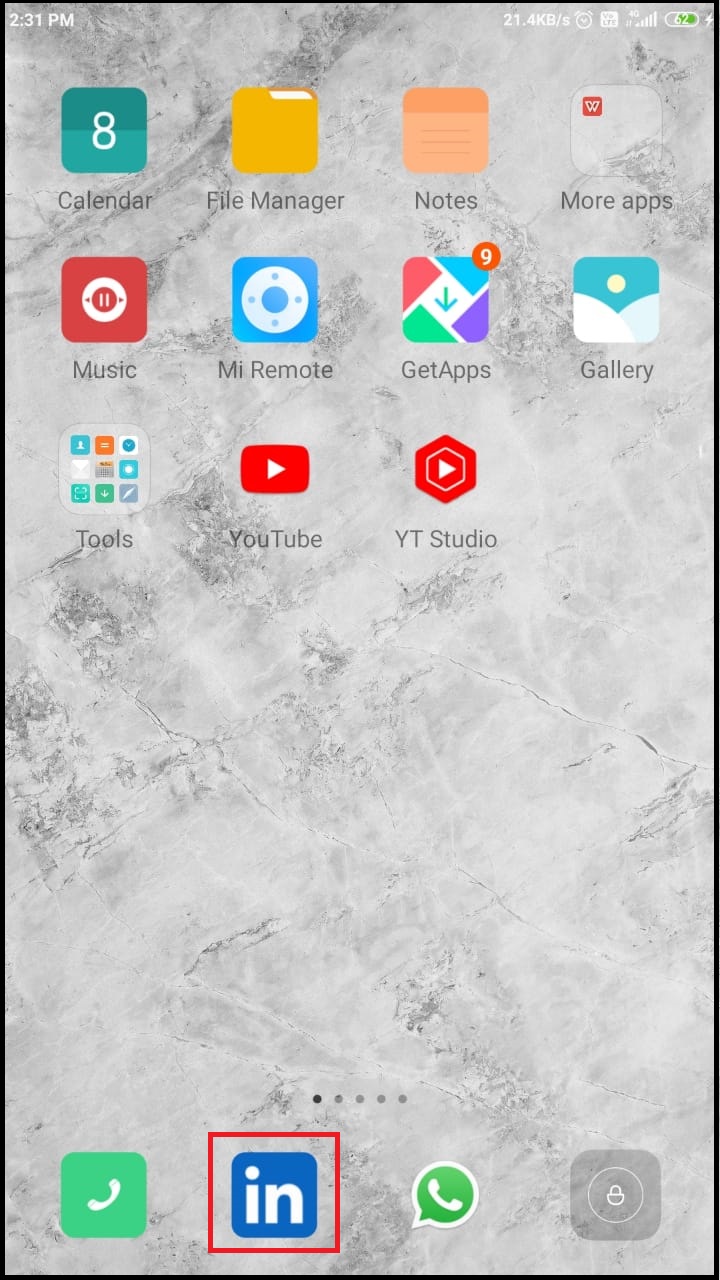
2) Tap on your profile icon.


3) Once you tap on profile icon, we will get menu as shown in below image.Then tap on view profile option.

4) Tap on profile icon.

5) You will get pop up at the bottom of screen, once you tap on profile icon. Then  tap on view or edit profile photo option.


6) In profile photo section, tap on add photo option.

7)Now , you will get pop up at the bottom of screen. In pop up there are two options are available. If you want to upload photo from gallery then select upload from gallery option or you can use camera to capture your photo.

8) Select profile photo from your gallery.


9)Now, in crop photo section, you can crop photo and can also do other photo settings. Then tap on save option.

10)So, if you go back to home screen. Your profile photo is updated.


 So, in this way you can change or update your profile photo on LinkedIn app.


Saturday, 26 September 2020

How to find your Linkedin URL ?

Please follow the below steps:-

1)Open your LinkedIn app. Then login into LinkedIn app.


2)Tap on your profile icon.


3)So, you will get options like in below image. Then tap on view profile option.


4) Then scroll down. Go to contact section. So, you will get your profile url.


5)Tap on profile url and select copy option to copy profile url. You can also share this linkedin url with others.


      So, in this way you can find your LinkedIn profile url.


Enable a fingerprint lock in LinkedIn app

Please follow below steps to enable a fingerprint lock in Linkedin app:-

1)Open LinkedIn  app and login into LinkedIn  app.


2)Tap on your profile icon.


3)Once you tap on profile icon, you will get options as shown in image. Then tap on settings option.


4)In settings section, tap on sign in & security.


5) In Sign in & security section, tap on App lock option.


6) Then to enable fingerprint lock in LinkedIn  app, tap on toggle button. Select option in How quickly should LinkedIn lock. So, when you will open LinkedIn  app ,you need to put your fingerprint on scanner.


    So, in this way you can enable a fingerprint lock in LinkedIn app.